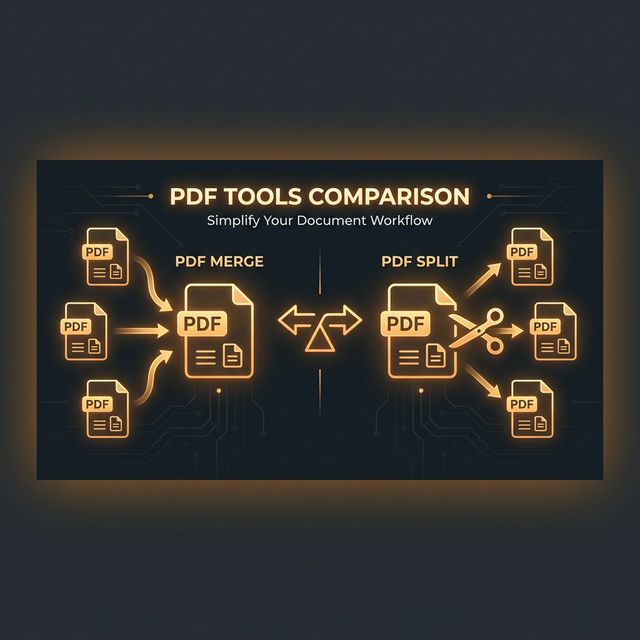
The Landscape in 2025
Adobe Acrobat Pro (the gold standard of PDF software) has shifted to a subscription model at approximately ₹1,500–₹2,000/month for Indian users. Nitro PDF and Foxit PhantomPDF are cheaper alternatives. Meanwhile, a new generation of browser-based PDF tools processes files using JavaScript directly in your browser — with zero installation and zero cost. The question is whether the extra functionality of desktop software justifies the price.
| Feature | Online Tools (Free) | Adobe Acrobat Pro |
|---|---|---|
| Cost | Free | ~₹1,500/month |
| Installation | None required | Required |
| Merge PDFs | ✅ Yes | ✅ Yes |
| Split PDFs | ✅ Yes | ✅ Yes |
| Compress PDFs | ✅ Yes | ✅ Yes (more control) |
| Convert PDF to Word | ✅ Yes | ✅ Better accuracy |
| Edit PDF text directly | ❌ Limited | ✅ Full editing |
| OCR (scan to text) | ❌ Basic | ✅ Advanced |
| Password protect PDF | ❌ No | ✅ Yes |
| Digital signatures | ❌ No | ✅ Yes |
| Works offline | ❌ No (usually) | ✅ Yes |
| Privacy (no upload) | ✅ Browser-based tools | ✅ Local |
When Free Online Tools Are Enough
For the vast majority of personal and small business PDF tasks, free online tools do the job perfectly:
- ✅Merging PDFs — combining resume + certificates for a job application. No need for paid software.
- ✅Splitting PDFs — extracting specific pages from a large government document.
- ✅Compressing PDFs — reducing a 20MB scanned document to under 5MB for email.
- ✅Converting PDF to Word — extracting text for editing. Quality is typically 80–90% of Acrobat's output for text-based PDFs.
When You Actually Need Desktop Software
- ⚠️Editing existing PDF text directly — changing the text inside a PDF while keeping its design/layout. Only Adobe Acrobat and similar desktop tools do this reliably.
- ⚠️OCR on handwritten or scanned documents — advanced OCR on handwritten text or poor quality scans requires Acrobat's OCR engine, which is more accurate than most browser-based solutions.
- ⚠️Legally binding digital signatures — certified digital signatures with PKI (required for many government and legal submissions in India) need dedicated software.
- ⚠️PDF form creation — building interactive, fillable PDF forms with dropdown menus, checkboxes, and form validation requires Acrobat Pro or similar.
- ⚠️High-volume batch processing — if you need to process thousands of PDFs programmatically, a command-line tool or API (not a web interface) is more appropriate.
Free Alternatives to Adobe Acrobat
LibreOffice Draw
Free, open-source, handles basic PDF editing. Import PDF, edit elements, export back. Works on Windows/Mac/Linux.
PDF24 (desktop)
Free desktop tool with most common PDF operations — no subscription, no cloud uploads.
ILovePDF (web, freemium)
More operations than most free tools. Uploads to servers — avoid for sensitive documents.
ToolsWallet (browser-based)
Merge, split, compress, convert — all browser-based, no uploads, no signup, no cost.
The Verdict
For 80–90% of users — students, small businesses, freelancers, government form filers — free online PDF tools cover all daily needs. If your work involves directly editing PDF content, advanced OCR, or digitally signing contracts regularly, Adobe Acrobat Pro is a worthwhile professional investment. Otherwise, save ₹18,000/year and use free browser-based tools.
Try ToolsWallet's free PDF toolkit: Merge, Split, Compress, PDF to Word.