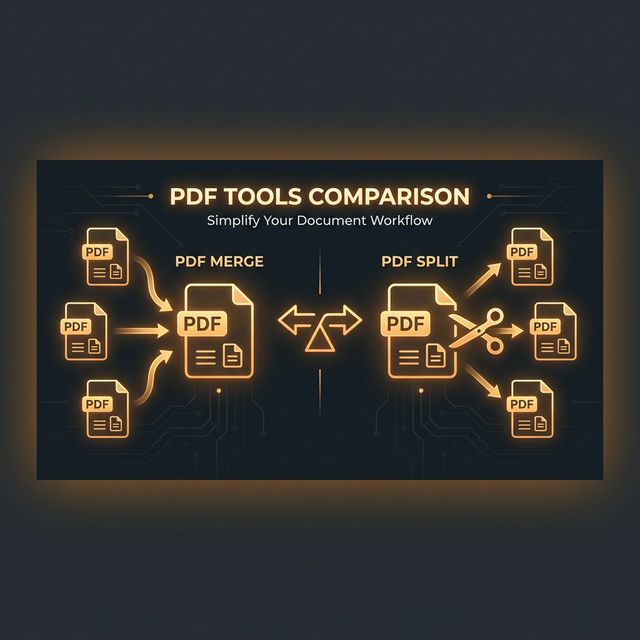
The Core Difference
🗜️ PDF Compression
Keeps all pages but reduces file size by compressing images and optimising internal data.
- • All original content preserved
- • Same number of pages
- • Images may be slightly lower quality
- • Output: One smaller PDF file
✂️ PDF Splitting
Divides one large PDF into multiple smaller PDFs by page range.
- • Selects specific pages only
- • May discard pages you don't need
- • Quality unchanged
- • Output: Multiple smaller PDF files
When PDF Compression is Right
You Need All Pages to Remain
If the PDF must retain all its content — a complete contract, a full annual report, a registration application with all supporting pages — splitting is not an option. Compression reduces the file size while keeping everything intact. A 20-page mortgage application that's 15MB can often be compressed to 4–5MB without visible quality loss.
The File is Large Due to Embedded Images
Scanned documents and PDFs with embedded high-resolution photos are major candidates for compression. A 150-page scanned document at 300 DPI may be 50MB but compress to 8MB by reducing image resolution to 150 DPI — which is still perfectly readable on screen and in print.
Typical File Size Reductions with Compression
| PDF Type | Typical Reduction |
|---|---|
| Scanned documents (high DPI) | 60–80% reduction |
| PDF with embedded photos | 40–70% reduction |
| Text-only PDF | 5–20% reduction |
| PDF with mixed content | 30–50% reduction |
| Already-compressed PDF | 5–15% reduction (limited gains) |
When PDF Splitting is Right
Only Specific Pages Are Needed
A 100-page combined report where you only need to share the 8-page executive summary — split, don't compress. Sharing only the relevant pages is smaller AND more focused for the recipient.
The Remaining Pages Contain Sensitive Information
If a PDF contains confidential salary details, Aadhaar numbers, or internal financial data alongside the content you need to share — compression keeps all sensitive pages. Splitting lets you extract only the safe pages.
Email Attachment Size Limits
Gmail limits attachments to 25MB. If your PDF is 40MB, compression may take it to 15MB. If it's 200MB, compression alone won't help — you need to split it into parts and send multiple emails, or upload to Google Drive.
| Scenario | Compress | Split |
|---|---|---|
| Complete contract to send via email | ✅ Compress | ❌ |
| Extract just the financial summary pages | ❌ | ✅ Split |
| Scanned ID document that is too large | ✅ Compress | ❌ |
| Share only chapter 3 of a textbook | ❌ | ✅ Split |
| Government form with all required attachments | ✅ Compress | ❌ |
| Remove personal pages before sharing | ❌ | ✅ Split |
Use PDF Compressor or PDF Splitter — both free, browser-based, private.